Create Your Account
Sign up for Synoveo with your Google account and log in to the console for the first time.
Creating your Synoveo account takes less than a minute. You sign in with your Google account -- the same one you use for your Google Business Profile -- and you're ready to go.
Prerequisites
Before you begin, make sure you have:
- A Google account (the one linked to your Google Business Profile is ideal)
- A modern web browser (Chrome, Firefox, Safari, or Edge)
Use the same Google account that manages your Google Business Profile. This way, connecting your listing later will be seamless.
Sign Up
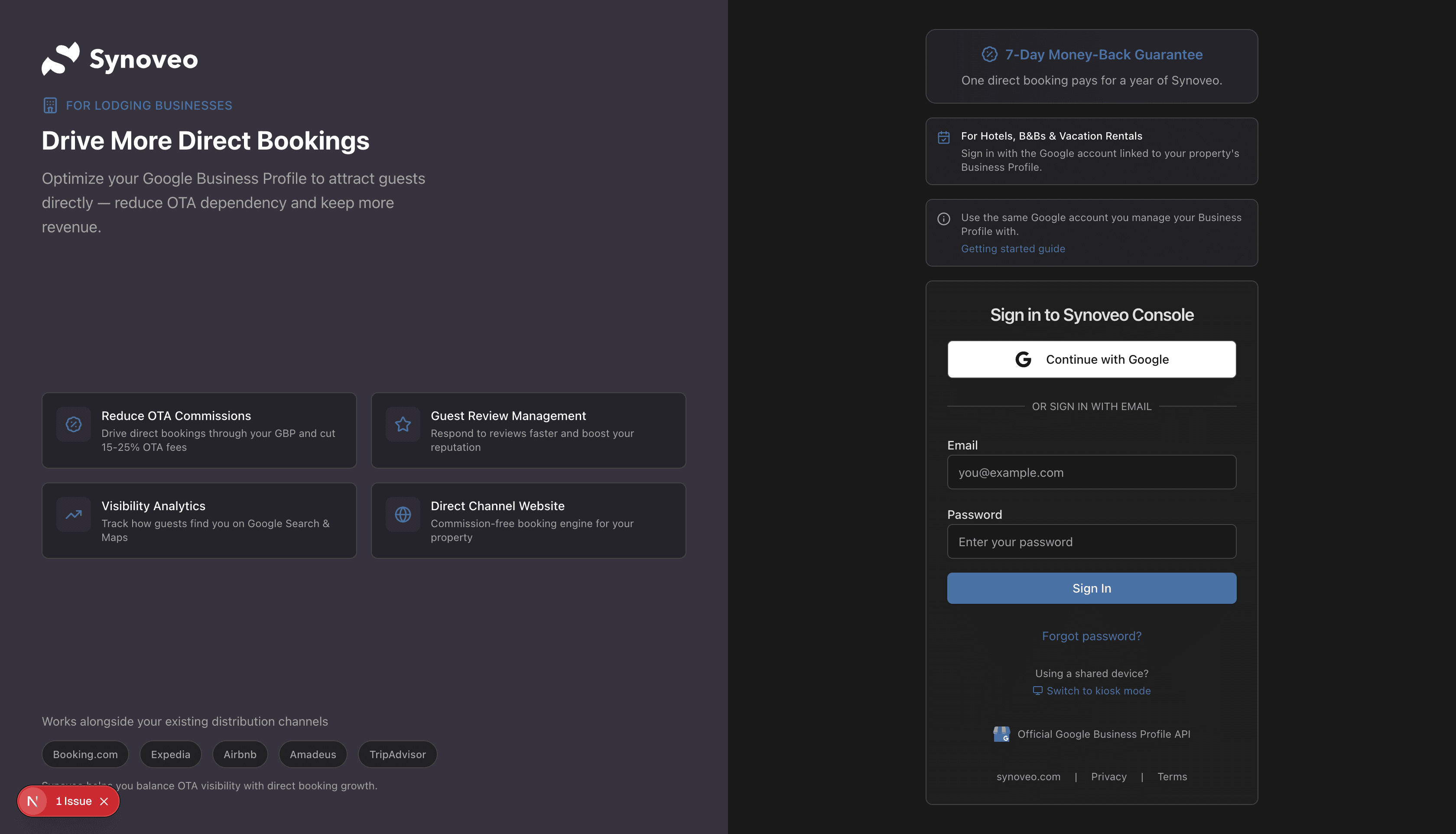
Sign in with Google
Click the Sign in with Google button. You'll be redirected to Google's sign-in page.
Choose Your Google Account
Select the Google account you want to use with Synoveo. If you manage multiple Google accounts, choose the one associated with your business.
Grant Permissions
Google will ask you to approve basic permissions:
| Permission | Why It's Needed |
|---|---|
| View your name and email | To create your Synoveo account |
| View your Google Business Profile | To connect and manage your listing |
Click Allow to continue.
Welcome to Your Console
You'll be redirected to the Synoveo console. Your account is now created and ready to use.
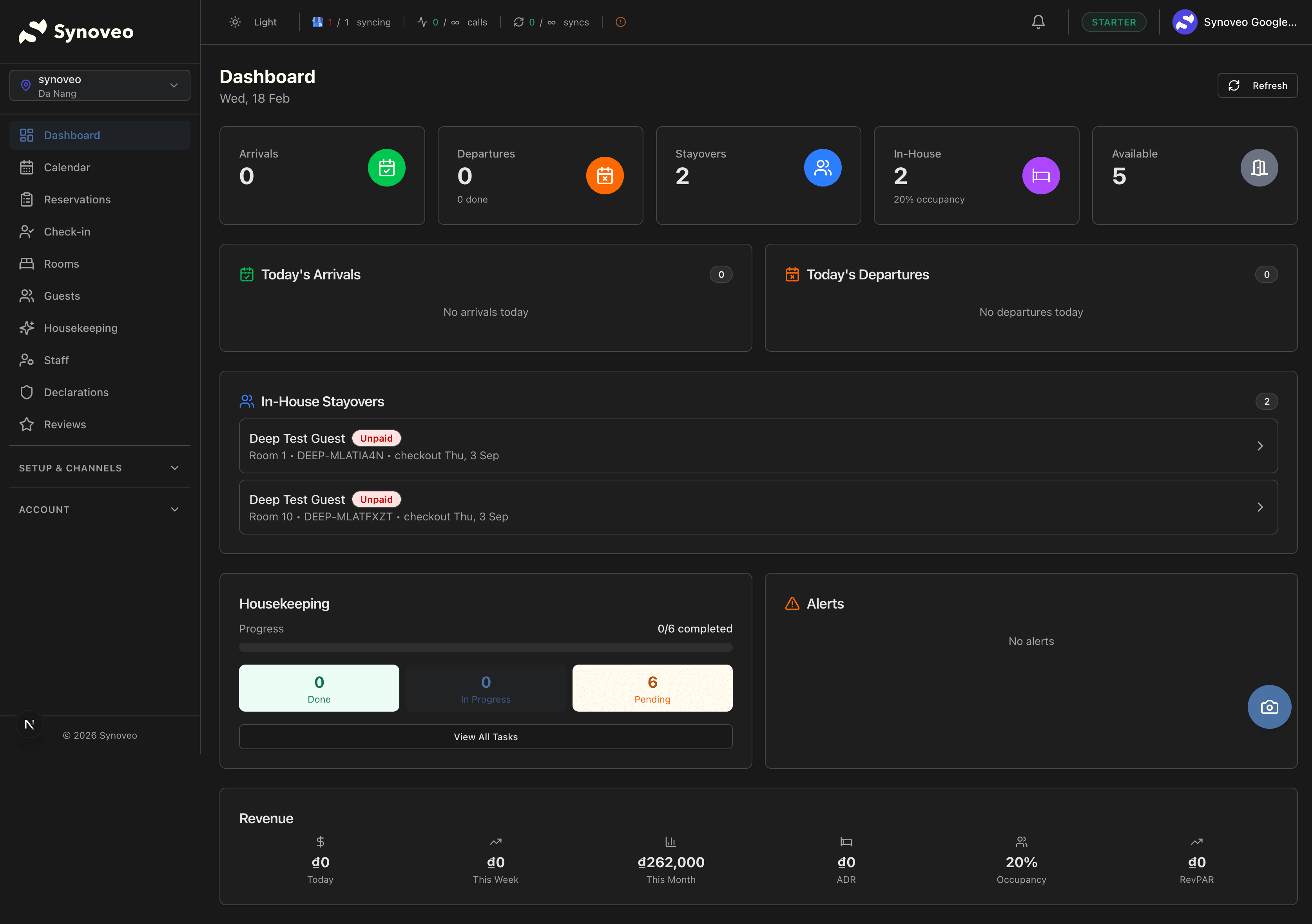
Synoveo uses Google sign-in exclusively. There are no passwords to remember -- just sign in with your Google account each time.
First Login: What You'll See
When you first log in, the console will guide you through the initial setup:
- Dashboard -- Your home screen showing an overview of your property (empty for now)
- Getting started checklist -- A step-by-step guide to complete your setup
- Sidebar navigation -- Access to all sections: Rooms, Rates, Bookings, Channels, and more
What to Do Next
After creating your account, here's the recommended order for setting up your property:
Connect Your Google Listing
Link your Google Business Profile to start managing your online presence from Synoveo.
Set Up Your Property
Add your rooms, beds, or rental units. Configure base rates and policies.
Choose a Plan
Select the plan that matches your property size. You can explore the console for free before subscribing.
Connect Booking Channels
Start distributing your availability to Booking.com, Airbnb, and other booking sites.
Multiple Properties
If you manage more than one property, you can add additional locations from the console. Each property is managed independently with its own rooms, rates, and channel connections.
Account Security
Your Synoveo account is protected by Google's authentication:
- No passwords stored -- Authentication is handled entirely by Google
- Two-factor authentication -- If you have 2FA enabled on your Google account, it applies to Synoveo as well
- Session management -- Sessions expire after a period of inactivity for security
Troubleshooting
"I can't sign in"
- Make sure you're using a Google account (Gmail or Google Workspace)
- Try clearing your browser cookies and signing in again
- Check that third-party cookies are enabled in your browser
"I signed in with the wrong account"
- Sign out from the console (click your profile picture, then Sign out)
- Sign in again and choose the correct Google account
"The page won't load"
- Check your internet connection
- Try a different browser
- Clear your browser cache