Rate Plans
Create rate plans to define pricing rules, cancellation policies, and meal inclusions for your rooms.
Rate plans are the foundation of your pricing strategy. They define how much guests pay, what is included, and under what conditions they can cancel.
What Is a Rate Plan?
A rate plan is a pricing template attached to a room type. Think of it as a "pricing package" that determines:
- Base price per night
- Cancellation policy -- refundable or non-refundable, with a configurable deadline
- Meal plan -- room only, breakfast included, half board, full board, or all inclusive
- Price modifier -- percentage adjustment from the base rate
Most properties have at least two rate plans: a standard flexible rate and a lower non-refundable rate. Guests see all your active rate plans when booking and choose the option that suits them.
Rate Plan Types
| Type | Refundable | Typical Modifier | Best For |
|---|---|---|---|
| Standard | Yes | 0% (base price) | Most bookings -- your main rate |
| Non-Refundable | No | -10% | Filling rooms in advance |
| Breakfast Included | Yes | +15% | Guests who want meals included |
| Early Bird | Yes | -15% | Encouraging bookings far ahead |
| Last Minute | Yes | -20% | Selling rooms close to check-in |
| Long Stay | Yes | -25% | Weekly or monthly guests |
| All Inclusive | Yes | +40% | Full-service stays |
Creating a Rate Plan
Go to Rate Plans
Open the Rate Plans page from the sidebar and select your location from the dropdown.
Click "Add Rate Plan"
Click the Add Rate Plan button to open the creation form.
Choose a Template or Start Custom
Synoveo provides pre-built templates for common configurations:
| Template | Refundable | Meal Plan | Price Modifier |
|---|---|---|---|
| Standard Rate | Yes | Room Only | 0% |
| Non-Refundable | No | Room Only | -10% |
| Breakfast Included | Yes | Breakfast | +15% |
| All Inclusive | Yes | All Inclusive | +40% |
Select a template to pre-fill the form, or choose Custom to start from scratch.
Configure the Details
Fill in the rate plan settings:
- Name -- displayed to guests (e.g., "Flexible Rate", "Best Deal"). Keep it clear and guest-friendly.
- Code -- internal identifier (e.g.,
FLEX,NR). Not shown to guests. - Cancellation policy -- choose non-refundable or free cancellation with a deadline in hours (e.g., 48 hours before check-in).
- Meal plan -- select what meals are included.
- Price modifier -- percentage to add or subtract from the base room rate.
Save
Click Save to create the rate plan. It is immediately active and available for bookings.
How Price Modifiers Work
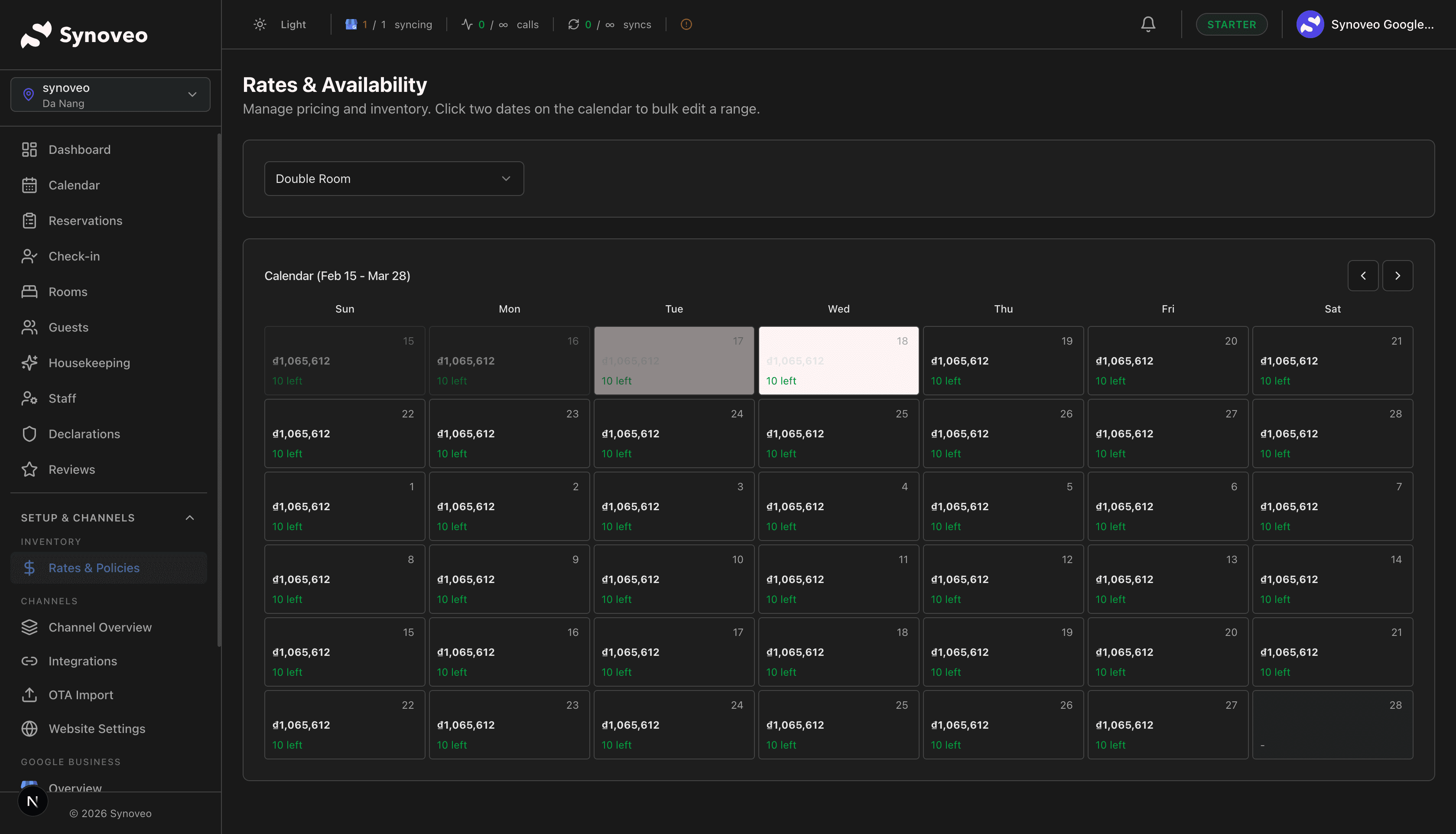
The price modifier adjusts the nightly rate you set on the rate calendar. For example, if a Double Room has a base rate of $100/night:
| Rate Plan | Modifier | Guest Pays |
|---|---|---|
| Standard Rate | 0% | $100/night |
| Non-Refundable | -10% | $90/night |
| Breakfast Included | +15% | $115/night |
| All Inclusive | +40% | $140/night |
When you change the base rate on the calendar, all rate plans update automatically based on their modifiers. This saves you from updating each rate plan individually.
Use modifiers to keep pricing consistent. When you adjust your base rate for a season, all rate plans recalculate automatically.
Occupancy-Based Pricing
You can configure different prices based on how many guests stay in the room. This is set at the room level (not the rate plan level) and applies across all rate plans.
For example, a Double Room might be priced:
- 1 guest: Base rate
- 2 guests: Base rate + $20
- Extra adult: +$25/night
- Extra child: +$15/night
Occupancy pricing is configured when you set up your rooms. The rate plan modifier is then applied on top of the occupancy-adjusted price.
Cancellation Policies
Each rate plan includes a cancellation policy that is captured at the time of booking. Even if you change the policy later, existing bookings keep the original terms that were in effect when the guest booked.
| Policy | Description | Typical Use |
|---|---|---|
| Non-refundable | No cancellation allowed; full charge applies | Discounted rates |
| Free cancellation | Guest can cancel for free up to the deadline | Standard rates |
Setting the Cancellation Deadline
For refundable rate plans, you set how many hours before check-in a guest can cancel for free:
- 24 hours -- Guest can cancel up to the day before arrival
- 48 hours -- Guest can cancel up to two days before
- 72 hours -- Guest can cancel up to three days before
- 7 days (168 hours) -- Guest must cancel a week in advance
The cancellation deadline is based on your property's check-in time. If check-in is at 3:00 PM and you set a 48-hour deadline, guests must cancel by 3:00 PM two days before arrival.
Meal Plans
Including meals in a rate plan makes your offering more attractive and can increase revenue per booking.
| Meal Plan | What Is Included |
|---|---|
| Room Only | No meals |
| Breakfast | Morning meal included |
| Half Board | Breakfast + dinner |
| Full Board | Breakfast + lunch + dinner |
| All Inclusive | All meals + drinks + amenities |
The meal plan is displayed to guests during the booking process, so they can compare options side by side.
Managing Rate Plans
From the Rate Plans page, you can:
- View all rate plans for a location with their cancellation policy, meal plan, and price modifier
- Toggle active/inactive -- Deactivate a rate plan to stop it from appearing on booking sites without deleting it
- Delete a rate plan that is no longer needed
Activating and Deactivating
Toggle the Active switch to control whether a rate plan is available for new bookings:
- Active -- Appears on all connected channels and your booking website
- Inactive -- Hidden from guests, no new bookings possible, but existing reservations are unaffected
Deleting a rate plan is permanent. If you might want to use it again in the future, deactivate it instead of deleting.
Linking Rate Plans to Rooms
Rate plans apply to specific room types. When you create a rate plan, you select which room types it covers. A single room type can have multiple rate plans, and a single rate plan can apply to multiple room types.
Example setup for a small hotel:
| Room Type | Rate Plans |
|---|---|
| Standard Double | Standard, Non-Refundable |
| Deluxe Double | Standard, Non-Refundable, Breakfast Included |
| Suite | Standard, Non-Refundable, Breakfast Included, All Inclusive |
Best Practices
- Start simple. Create a Standard Rate and a Non-Refundable option. Add more rate plans as you learn what your guests prefer.
- Name plans clearly. Guests see these names on booking sites, so use descriptive, friendly names like "Flexible Rate" rather than internal codes.
- Offer at least two options. Having a flexible and a non-refundable rate gives guests a choice and helps you fill rooms in advance.
- Set realistic modifiers. A 10% discount for non-refundable rates is standard. Going too high makes your base rate seem overpriced; too low offers no real incentive.
- Review regularly. Check which rate plans get the most bookings and adjust your strategy each season.
Rate plans define the rules for pricing. To set the actual nightly prices for each room, go to Rates & Availability.